Access to the application
Direct link to the application: https://elys.athumi.eu
The registration of a death can be done via a PC/laptop, a tablet or a smartphone.
-
In (some) residential care centers the nursing station PC can be used
-
There is no app, but the web application is responsive and mobile friendly
Access via eHealth
You gain access to eLys through the federal eHealth-platform, which uses CSAM (central access management system) and CoBRHA (for role assignment).
Strong authentication via CSAM
When you start the eLys application as a doctor, you will be redirected to CSAM.
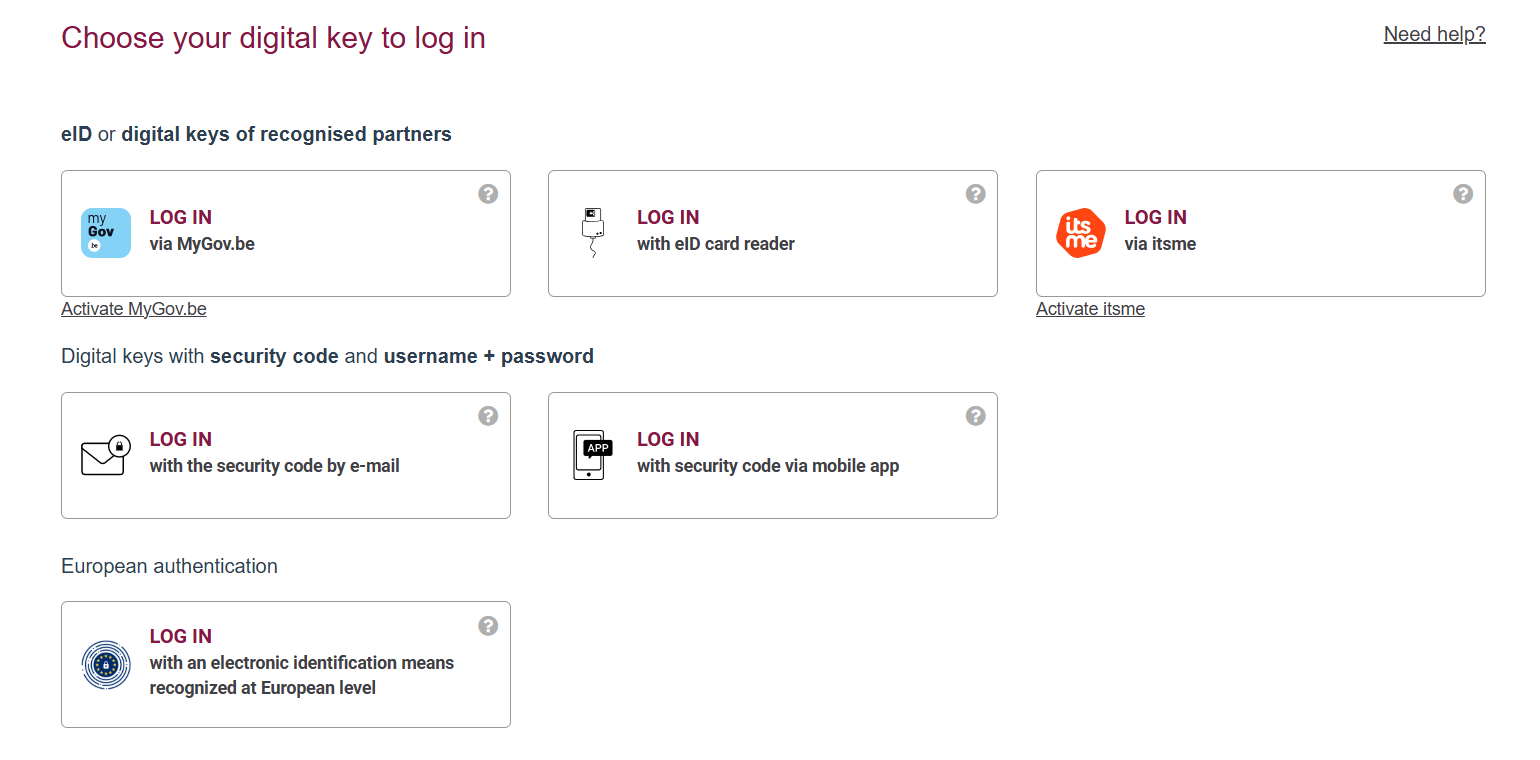
Depending on your situation, different authentication options are possible. The available options for each situation are described below. More detailed information about each authentication method is available on the CSAM’s website.
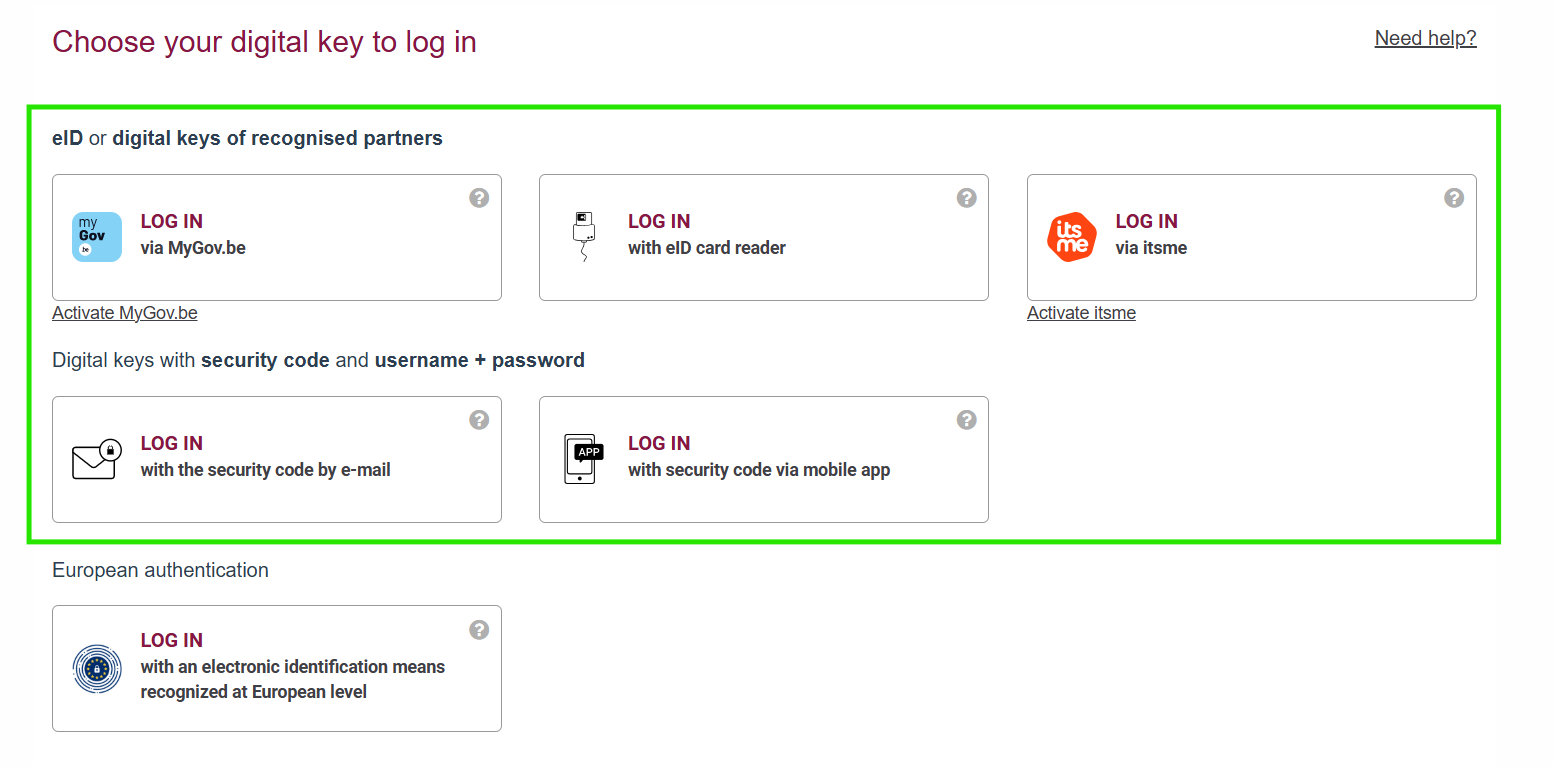
I have a Belgian eID (Belgian citizen)
As a Belgian citizen with an eID all options except eIDAS can be used. These need to be activated using your eID the first time.
I have a Belgian Residence Permit (non-Belgian citizen with electronic chip card)
If you have an electronic Belgian Residence Permit (chip card) the following options can be used. These need to be activated using the electronic Belgian Residence Permit the first time.
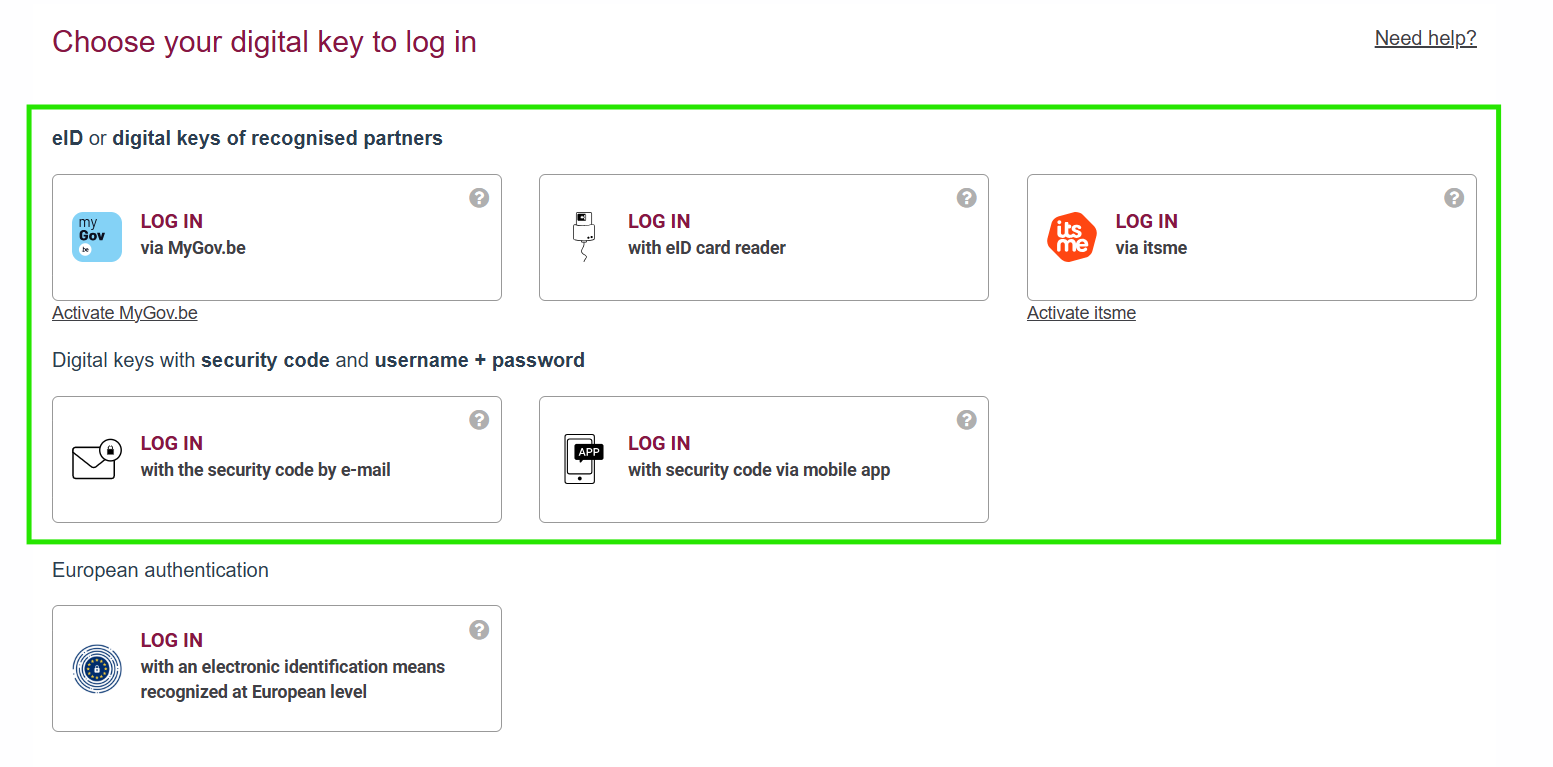
Note: eIDAS is also a valid option, but the others are more straightforward.
I am a EU citizen without Belgian Residence Permit
As an EU citizen without a permit there are two ways to authenticate:
-
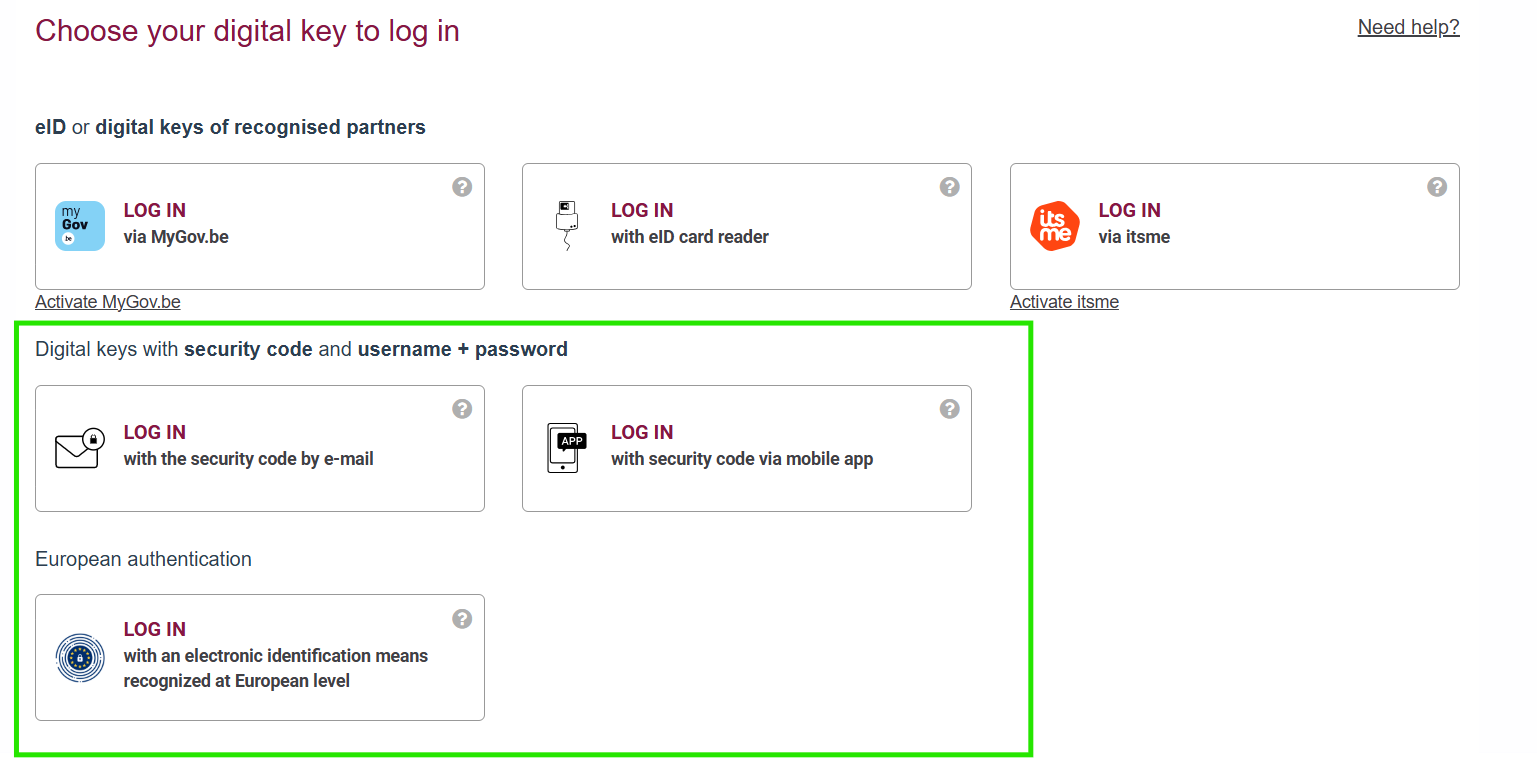
Digital keys with security code and username + password
This option needs to be activated first by registering at a local registration office. You can find an instruction video here.
-
European authentication / eIDAS
European citizens can use their own (notified) national identification and authentication means to access online services provided by Belgian authorities.
Visit this page to see if your country supports this option and how to log in using this option.
I am a non-EU citizen without Belgian Residence Permit
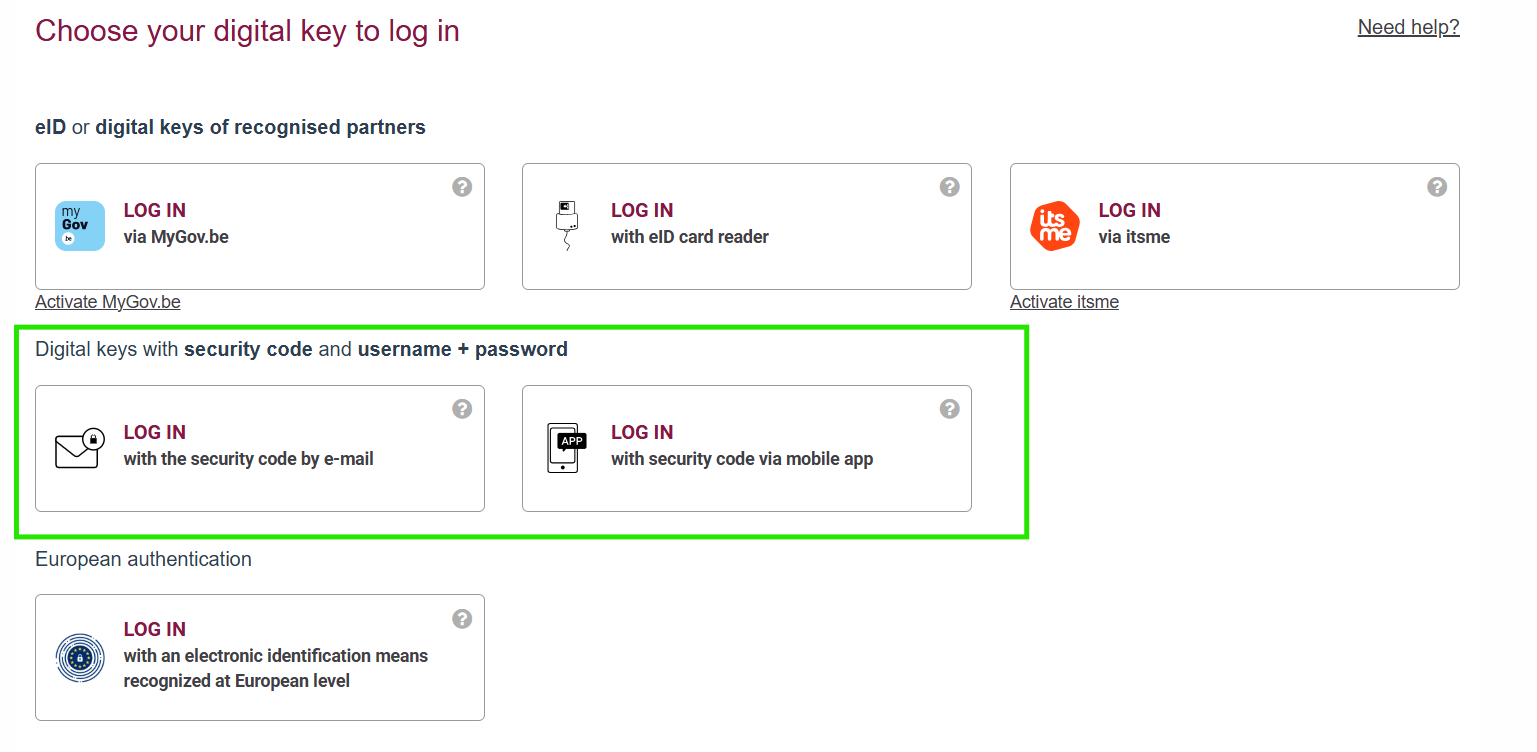
As a non-EU citizen without a permit the only way to authenticate is using the Digital keys with security code and username + password.
This option needs to be activated first by registering at a local registration office. You can find an instruction video here.
Verification of doctor capacity via CoBRHA
After logging in via CSAM, your identity and role are automatically verified by eHealth’s CoBRHA (Common Base Registry for HealthCare Actor).
CoBRHA checks if you have a valid RIZIV-number.
-
Yes: You automatically get the role of ‘doctor (arts)’ and access to eLys.
-
No: You do not have access to eLys to register a death.
Importance of a RIZIV-number
More information about the RIZIV-number
A RIZIV-number is essential: Without one, CoBRHA cannot assign the role of ‘doctor (arts)’ and you do not have access to eLys.
This applies to:
-
Recognized doctors in Belgium: automatically get a RIZIV-number.
-
Doctors in training (Belgian and foreign): automatically get a RIZIV-number as soon as their internship is officially approved.
-
Foreign doctors working in Belgium: get a RIZIV-number after approval by FSP Public Health.
If you do not have a RIZIV-number, you cannot get access to eLys. In that case a colleague will need to register the death in eLys.